
By Sagui Itay4 min read
The hidden cost of manual class lists
The cost of class placement is easy to misstate. Staff time, meetings, and time unavailable for other work can describe the same hours. Adding all three produces an inflated total. Start with one effort log, then distinguish the value of staff capacity from cash the school would actually save.
Value the hours once
Use person-hours, not meeting duration. Multiply each person's logged effort by a locally supplied loaded hourly rate, or use a clearly labeled blended rate. Include benefits only if the rate does not already include them. The following synthetic example carries forward the same 72-student time worksheet.
| Item | Manual | Software-assisted |
|---|---|---|
| Staff effort, including review meeting | 16 person-hours | 13 person-hours |
| Assumed loaded hourly rate | $40 | $40 |
| Value of staff effort | $640 | $520 |
| Difference before software and training costs | Baseline | $120 lower in this example |
The arithmetic is 16 × $40 = $640 and 13 × $40 = $520. Neither rate nor effort is a school-sector average. The $120 difference values three assumed hours of released staff capacity. Salaried staff may still receive the same pay, so this is not automatically a $120 budget saving.
Meetings are already inside the total
The worksheet includes a one-hour meeting for three people: three person-hours, valued at $120 using the assumed rate. Do not add that $120 again as meeting overhead. If staff prepare individually before the meeting, log that separate activity once under preparation or review, not under both.
Treat opportunity cost as an alternative use
The same three hours might be used for transition planning, checking support schedules, or contacting families. Describe that alternative alongside the labor valuation. Do not add a second three-hour "lost planning" charge for time already counted.
Some schools may care more about reducing overtime or completing approval before a deadline. Record those outcomes separately. An actual reduction in paid overtime is different from freeing time within an unchanged salary budget.
Add rework only when it is additional
Keep a correction log with the cause, affected version, participants, and active minutes. If two staff spend 30 minutes correcting a duplicate roster entry, that is one person-hour. Add it only if it was not already included in the revision stage.
Do not assign a speculative annual cost to errors that did not occur. Software imports and rule entry also need checking. Use the diagnostic checklist to identify the cause rather than assume every correction is a consequence of manual work.
Include the costs of changing the process
A comparison should include the relevant subscription allocation, setup, training, data cleanup, and any support costs. Use current quotes or published pricing, not a price copied from an old article. Compare the same period and scope: one grade is not a whole-school cycle.
In the synthetic example, any combined incremental cost above $120 would exceed the assumed labor-capacity benefit for that cycle. A school might still choose the workflow for reviewability, but should not call that a proven financial return.
Keep unmeasured effects out of the dollar total
Ask staff whether the process was manageable and whether they could explain the final decisions. Those responses matter on their own. They do not establish that a placement method caused burnout, retention changes, parent satisfaction, or attainment gains. Do not attach a teacher-turnover cost to this worksheet without evidence connecting that cost to the process being evaluated.
Build a decision from your own records
Compare logged effort, cash costs, and the quality of the approved lists. If the main problem is scattered data, fix collection first. If repeated balancing and rule checks take substantial effort, test an assisted workflow with the same approval requirements.
Read the Shibutz walkthrough before a pilot, then create a free account to assess the workflow. Keep staff signoff in the comparison; it is part of the work, not avoidable overhead.
Related Articles
5 signs your school needs a better class assignment system
Look for recurring placement process failures, collect local evidence, and choose a fix you can evaluate before investing in a new system.

Class lists guide: balanced elementary school classes
A tool-independent class placement process with a worked 72-student example, unequal room capacities, conflicting friend requests, balance checks, and staff signoff.
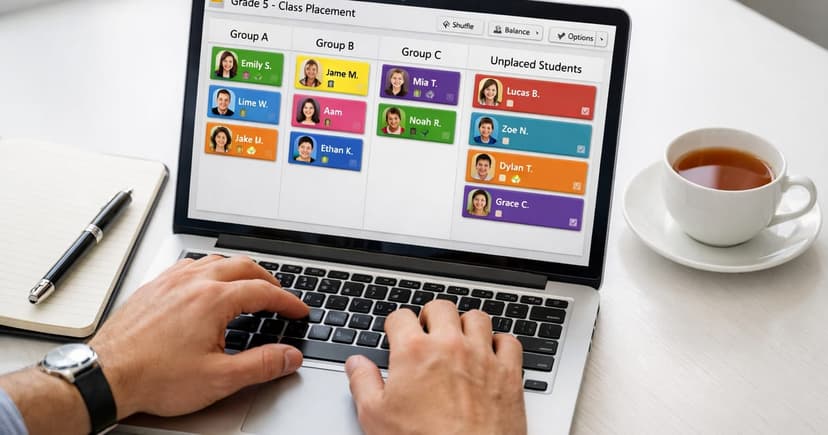
How to use Shibutz: from roster import to reviewed class lists
Follow seven Shibutz steps: prepare a workspace, review rules, set capacities, add required placements, check constraints, generate, and approve an export.
Keep Exploring
Tools, product walkthroughs, and guides to put balanced class placement into practice.
Free tool
Class Placement Readiness Quiz
Answer a few quick questions to see how ready your school is for balanced, low-stress class placement.
ProductHow Shibutz Works
See how roster import, placement rules, and generated drafts support staff review.
DocsFree Class Placement Templates
Download four editable Word templates for teacher input, staff review, family communication, and final sign-off.